
Storage needs evolve over time, adapting to the ever-growing demands of data management and technological progress. In light of this, I recently integrated a new server into my infrastructure, designed to host both storage and an array of additional services.
This upgrade was prompted by the significant expansion of datasets derived from simulations and daily operations, which has led to an increasing requirement for backup storage capacity. As data volumes continue to grow, ensuring sufficient, reliable storage solutions becomes an essential part of maintaining efficiency and supporting future scalability.
Low budget storage server
As an initial, cost-effective experiment, I’m testing a storage solution centered around a second-hand Small Form Factor (SFF) PC. To enhance its capabilities, I’ve added a 10 TB hard drive, providing ample space for data storage. However, a robust system requires more than just storage space. What else is essential to make this setup reliable and efficient?
- Primary SSD for System and Services
A dedicated SSD is critical for hosting the operating system and running essential services. SSDs offer faster read/write speeds compared to traditional hard drives, which ensures smoother performance for system operations and applications that demand quick access.
- Backup Storage for Redundancy
Data reliability is crucial. To safeguard against hardware failure or accidental data loss, a secondary 10 TB hard drive should be added for backups. This drive will act as a mirror, maintaining a copy of the primary drive’s data. Implementing an automated backup schedule ensures that the system remains up-to-date with minimal manual intervention.
- Networking and Remote Access
For a storage server, a reliable network card is a must. If the SFF PC lacks one, an inexpensive gigabit Ethernet card can be added. This ensures fast data transfer within the network and allows for remote access to manage the server.
Integration
As a personal choice, I opted for a Debian server as the backbone of my home IT infrastructure. Debian’s stability, flexibility, and wide range of supported applications make it an ideal platform for hosting a variety of services while maintaining full control over the system’s configuration and performance.
- Web Services via Cloudflare Tunnels
I currently host several web services, which are securely mapped and exposed to the internet using CloudflareTunnels. This approach eliminates the need for complex router configurations or exposing ports directly, enhancing security while providing seamless external access to my services.
- Backup Server
To ensure the safety of my data, I’ve configured the server as a dedicated backup solution. Automated scripts and tools run scheduled backups, creating reliable copies of important files and datasets for redundancy.
- Git Server
For version control and personal projects, I’ve set up a Git server. It serves as a private repository hosting solution, allowing me to manage my coding projects locally without relying on third-party services.
- NAS (Network-Attached Storage)
The server also functions as a NAS, offering centralized storage for files, media, and documents. I’ve integrated protocols like Samba for Windows-compatible file sharing and NFS for Linux systems, enabling smooth access across devices on my local network.
Monitoring
To keep everything running smoothly, I integrated the server into my Home Assistant dashboard. This setup allows me to monitor system health, track CPU usage, memory consumption, disk space, and network traffic in real time, and to configure notifications for critical events, such as high resource usage or potential hardware failures. This is pretty well integrated with the infrastructure. It tracks two main servers, one with 22TB dedicated to personal data long-time backup and one with 11TB of storage for on demand backup + git server. A server for home automations, four workstations and the network infrastracture as well as the daily backup progress.
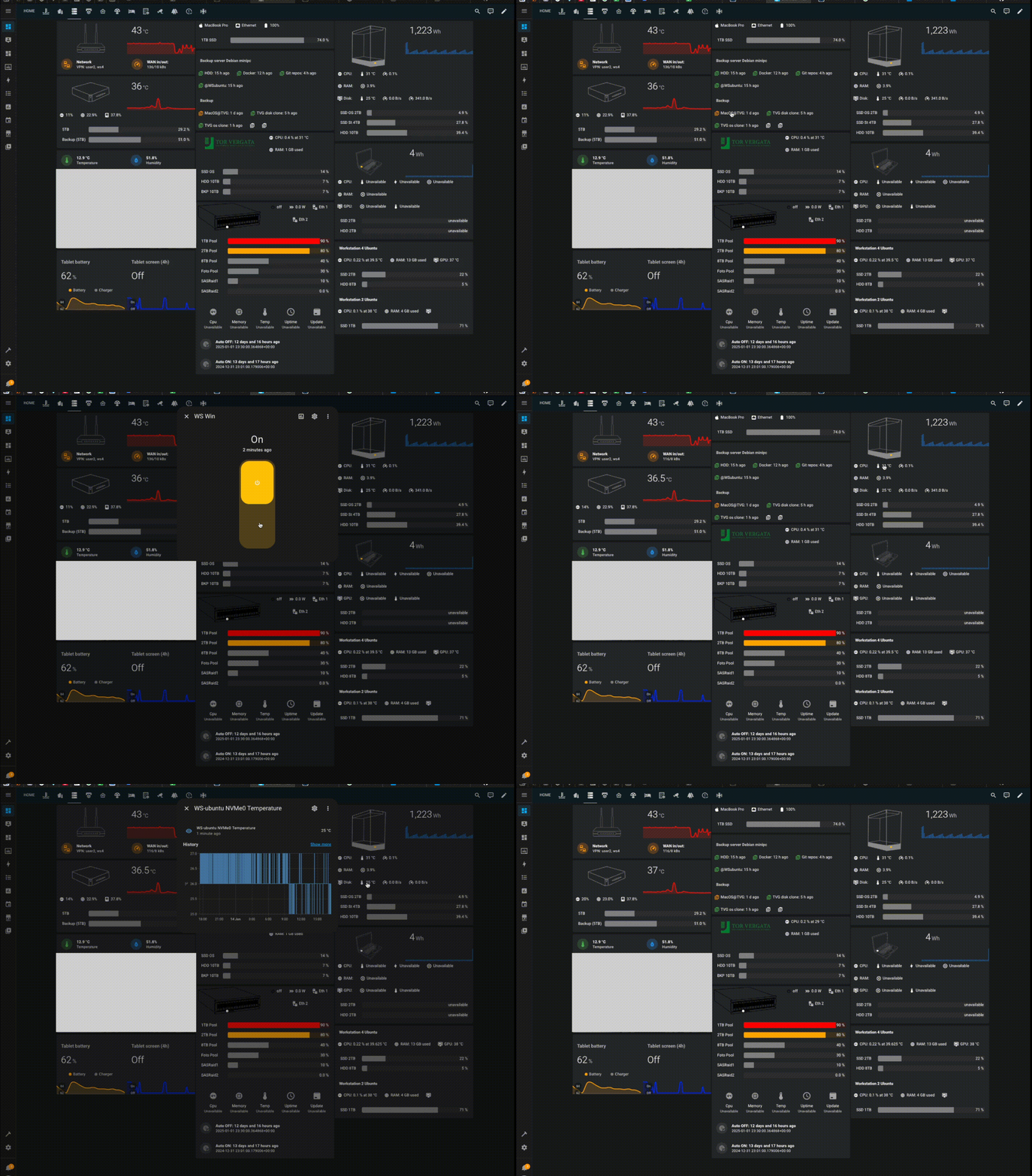
Monitoring of my 40TB of storage
The decision to use Debian stems from its reliability, long-term support, and the vast repository of software packages available. Its lightweight nature also ensures optimal performance on hardware of varying specifications, making it a versatile choice for a self-hosted environment.
Simplifying network drive management
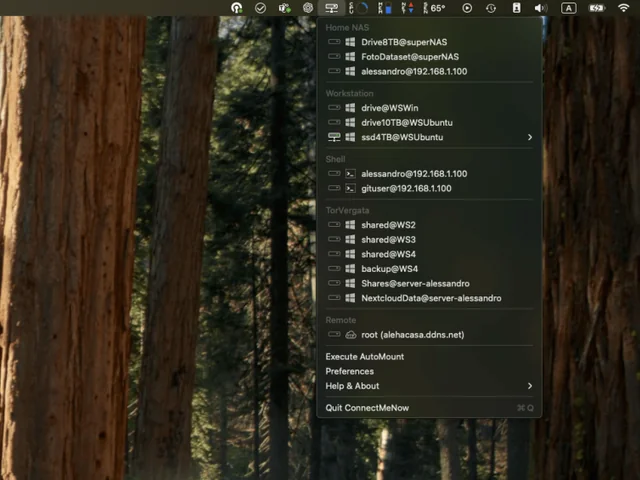
ConnectMeNow is a lightweight and user-friendly tool designed to streamline the process of managing and mounting network drives on your computer. With an intuitive interface, it allows users to quickly connect to shared folders on NAS devices, servers, or other networked storage systems. The software supports a variety of protocols, including SMB, AFP, NFS, and WebDAV, making it versatile for different environments.
Whether you’re accessing personal files or collaborating on a network, ConnectMeNow reduces the hassle of manual configuration by enabling one-click connections, saving credentials, and automating drive mappings. Ideal for both home and office use, it’s a must-have utility for efficient network file management.
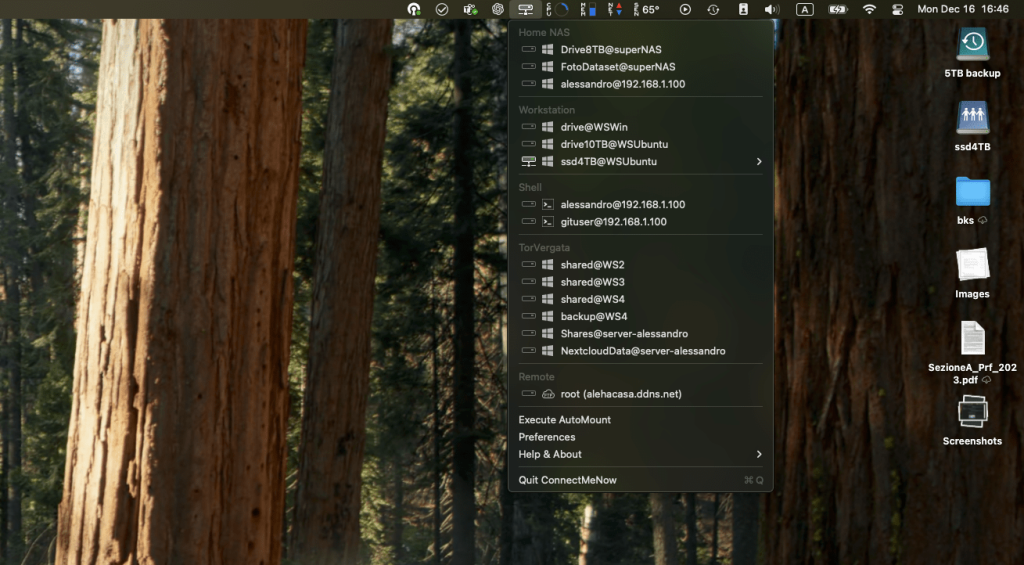
ConnectMeNow menu
A private cloud solution
Nextcloud is a powerful, open-source platform that lets you create your own secure and private cloud environment. It allows you to store, access, and share files, calendars, contacts, and more across all your devices. Unlike public cloud services, Nextcloud gives you complete control over your data, ensuring it remains within your own infrastructure or a trusted hosting provider.
With features like file synchronization, collaborative document editing, and integrations for email, chat, and task management, Nextcloud is a versatile solution for both personal and business use. Its extensive plugin ecosystem and robust security measures, including end-to-end encryption, make it a popular choice for anyone seeking privacy and flexibility in managing their digital workspace.
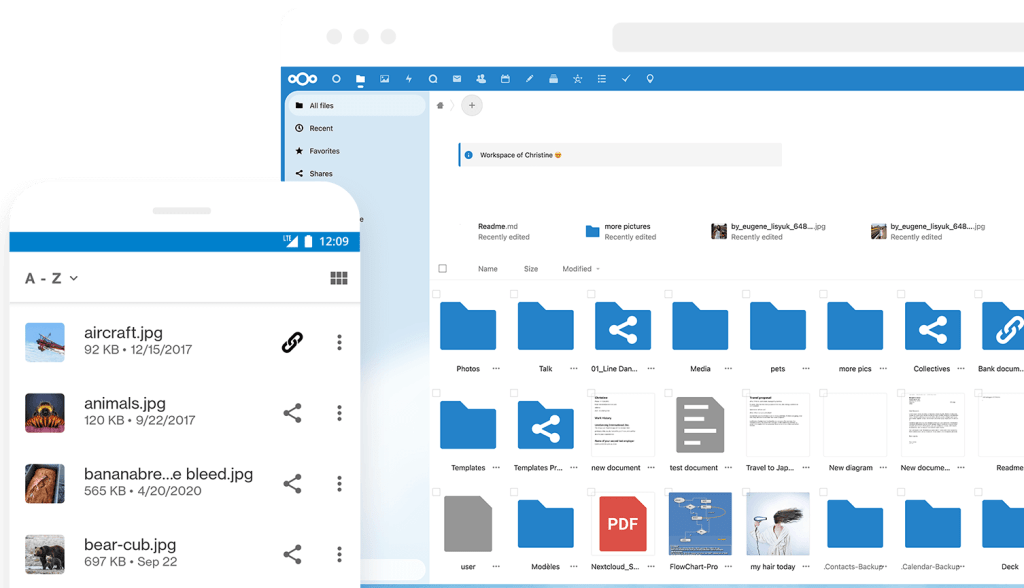
Nextcloud: safe home for all your data. Source: github.com/nextcloud